

Cameras that pay attentionwhen something changes
Seer watches the cameras you already have, looks closely only when something changes, and brings you the footage to decide.
Product demo
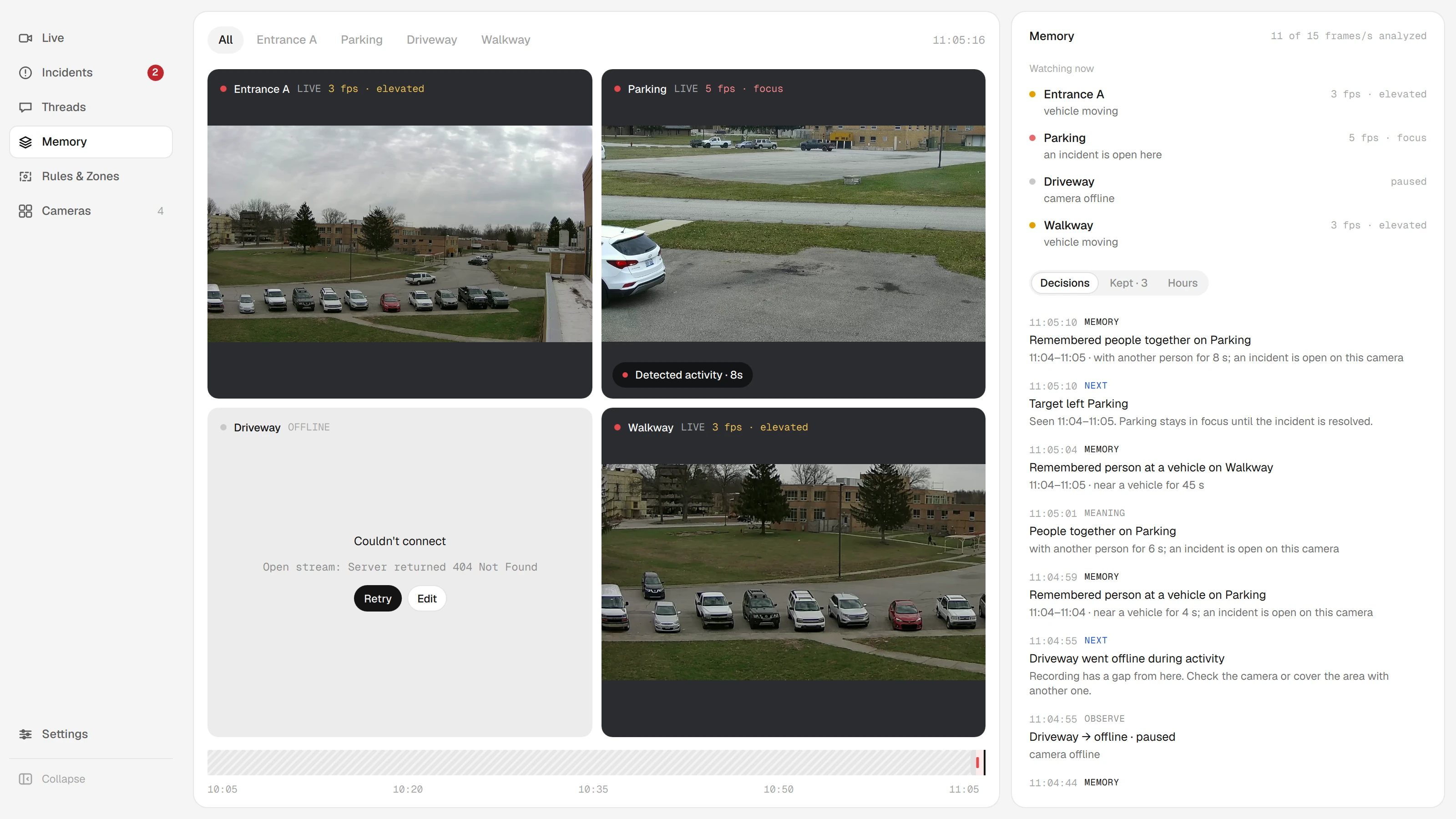
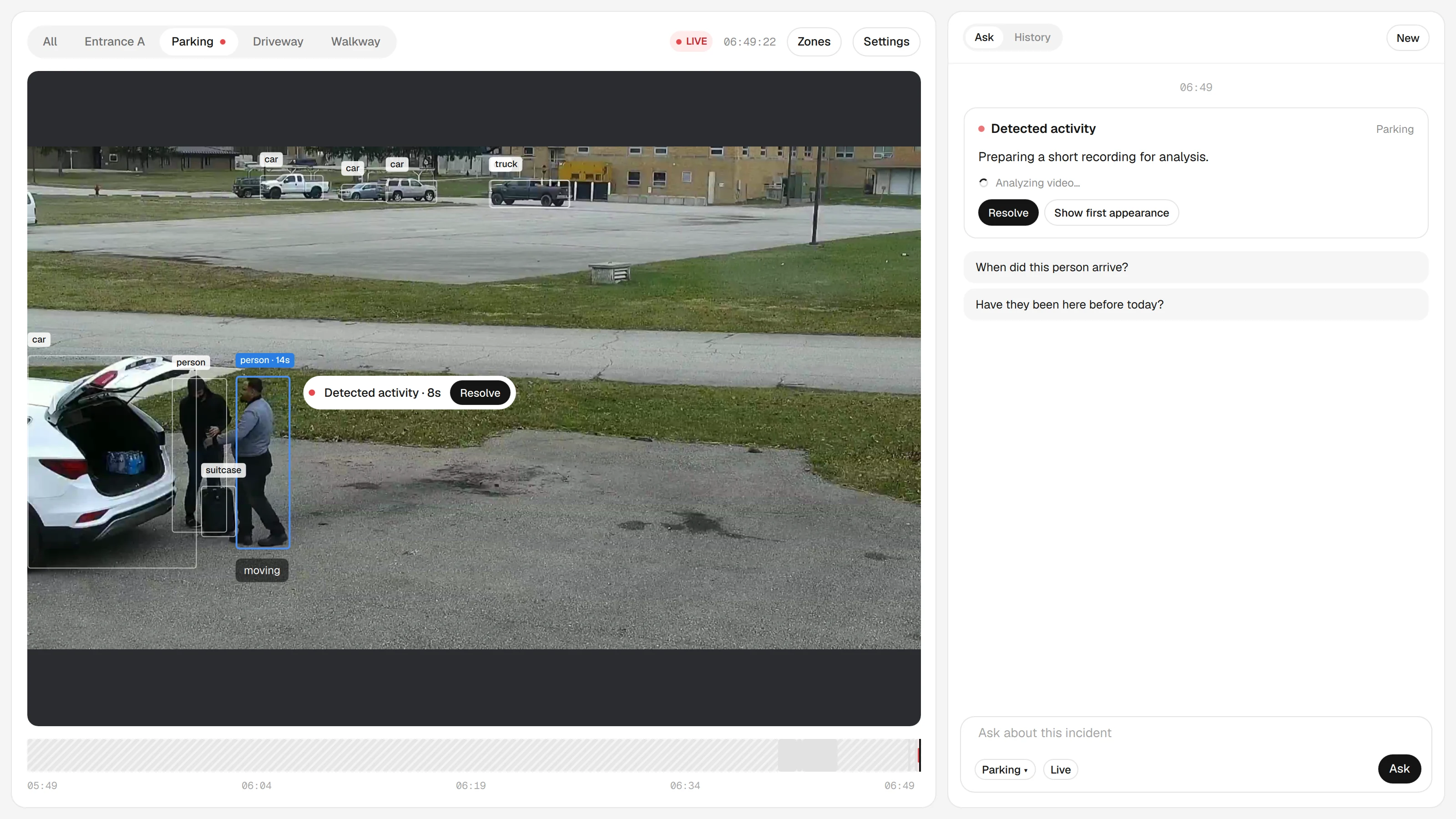
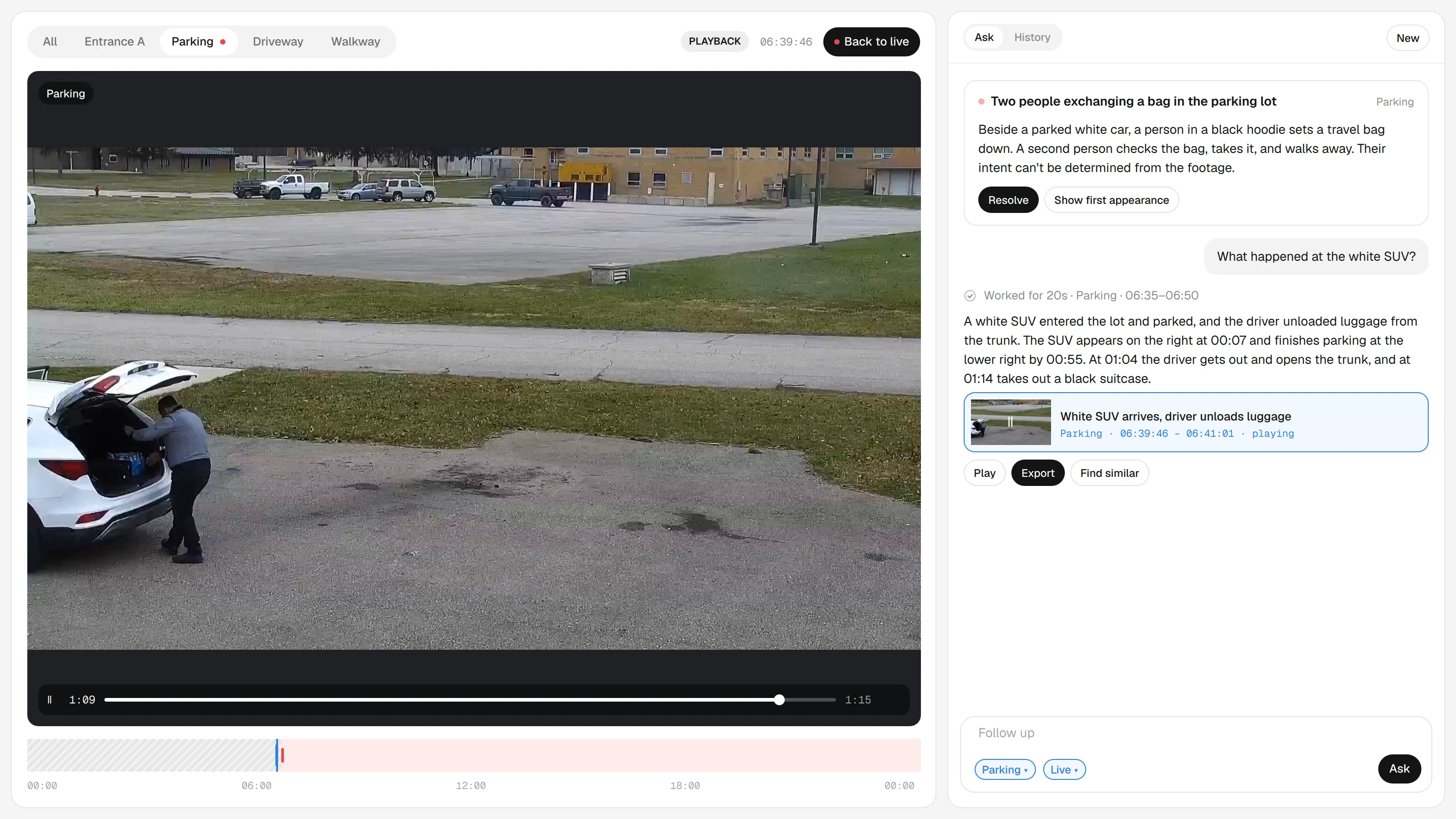

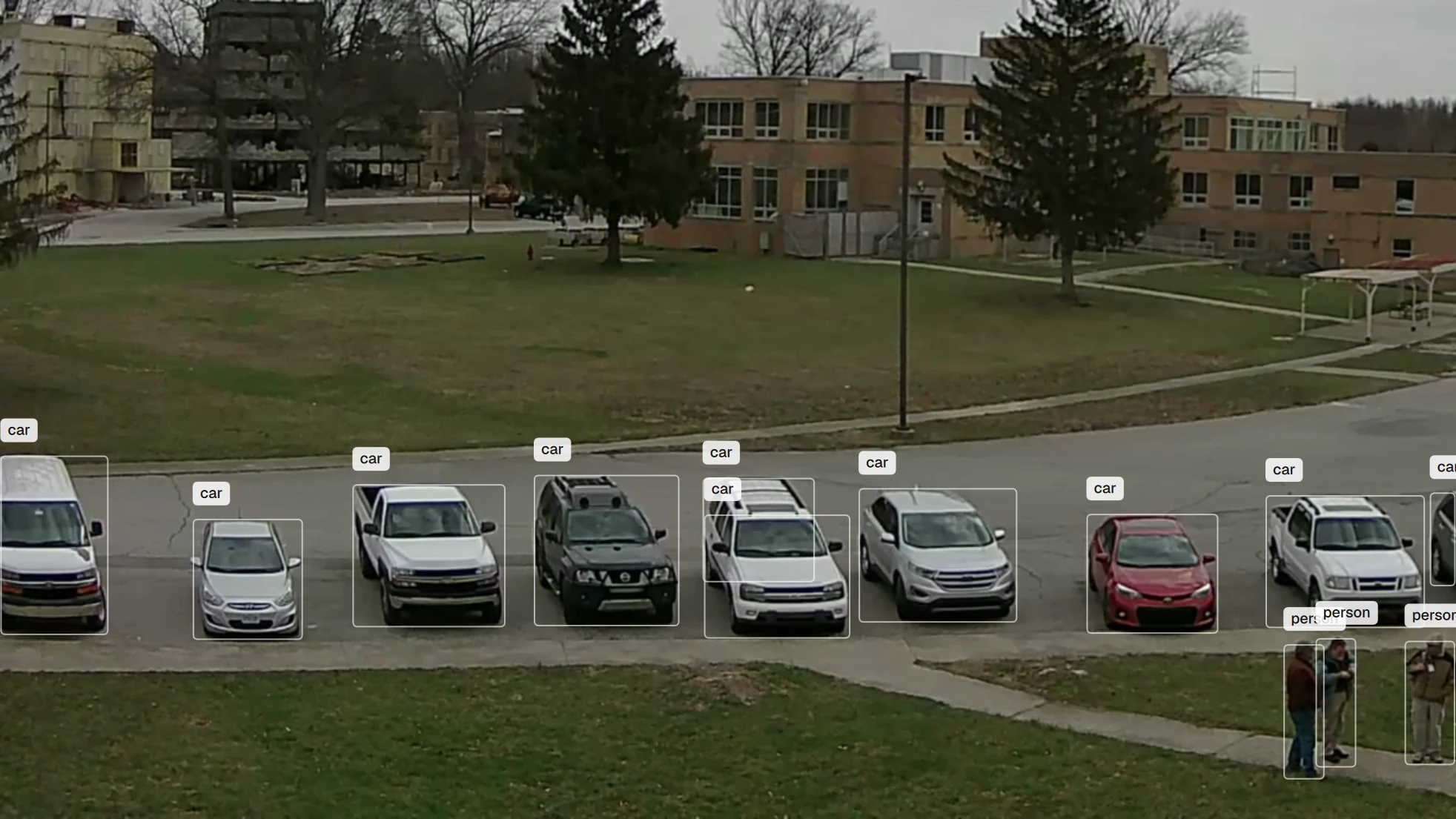
Seer desktop app with public sample footage. Credits
Seer is a perception loop for your cameras. It decides where to look, what it means, what to keep, and when to bring you in.
Stop scrubbing through quiet footage
Most camera hours are uneventful. Seer keeps watching all of them and brings you the moments that need a person, with the video to check.
- 01
Works with the cameras you have
Add an RTSP stream and Seer records on your computer. No new hardware, and cloud storage stays optional for each camera.
- 02
Looks closely when something changes
Attention follows activity. A camera with movement gets a closer look, and a quiet one is still checked periodically instead of assumed empty.
- 03
Answers with the footage
Incidents and answers link to the time range and clip behind them, so you watch the video before you decide.
How Seer works
Observe
Watch every camera at its own pace
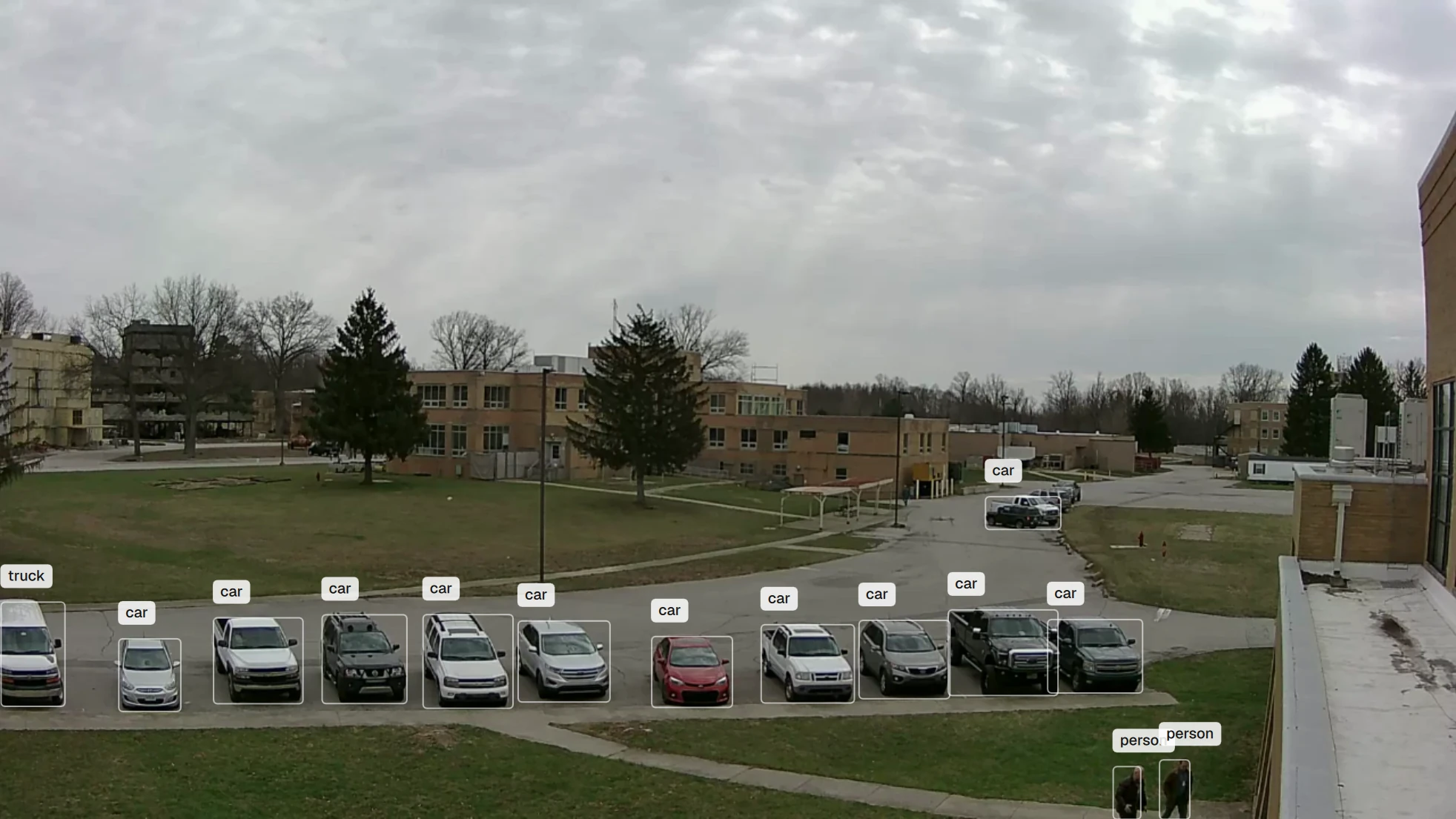
Each tile shows how closely Seer is looking and why. Movement raises a camera’s attention and quiet lowers it again. A quiet camera is still checked periodically, not assumed empty.
Interpret
Turn movement into a visit with a meaning
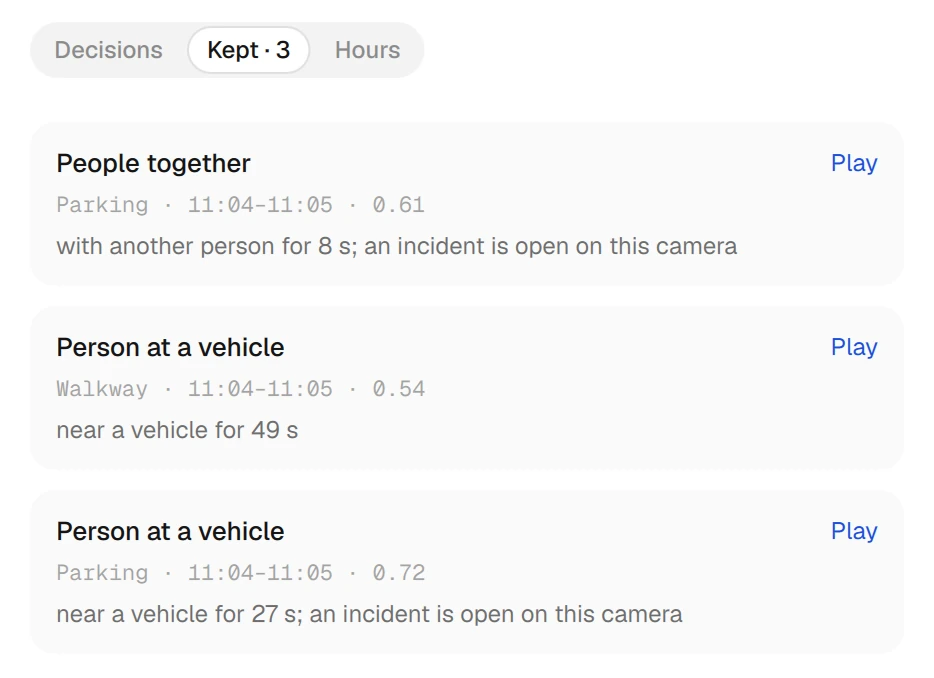
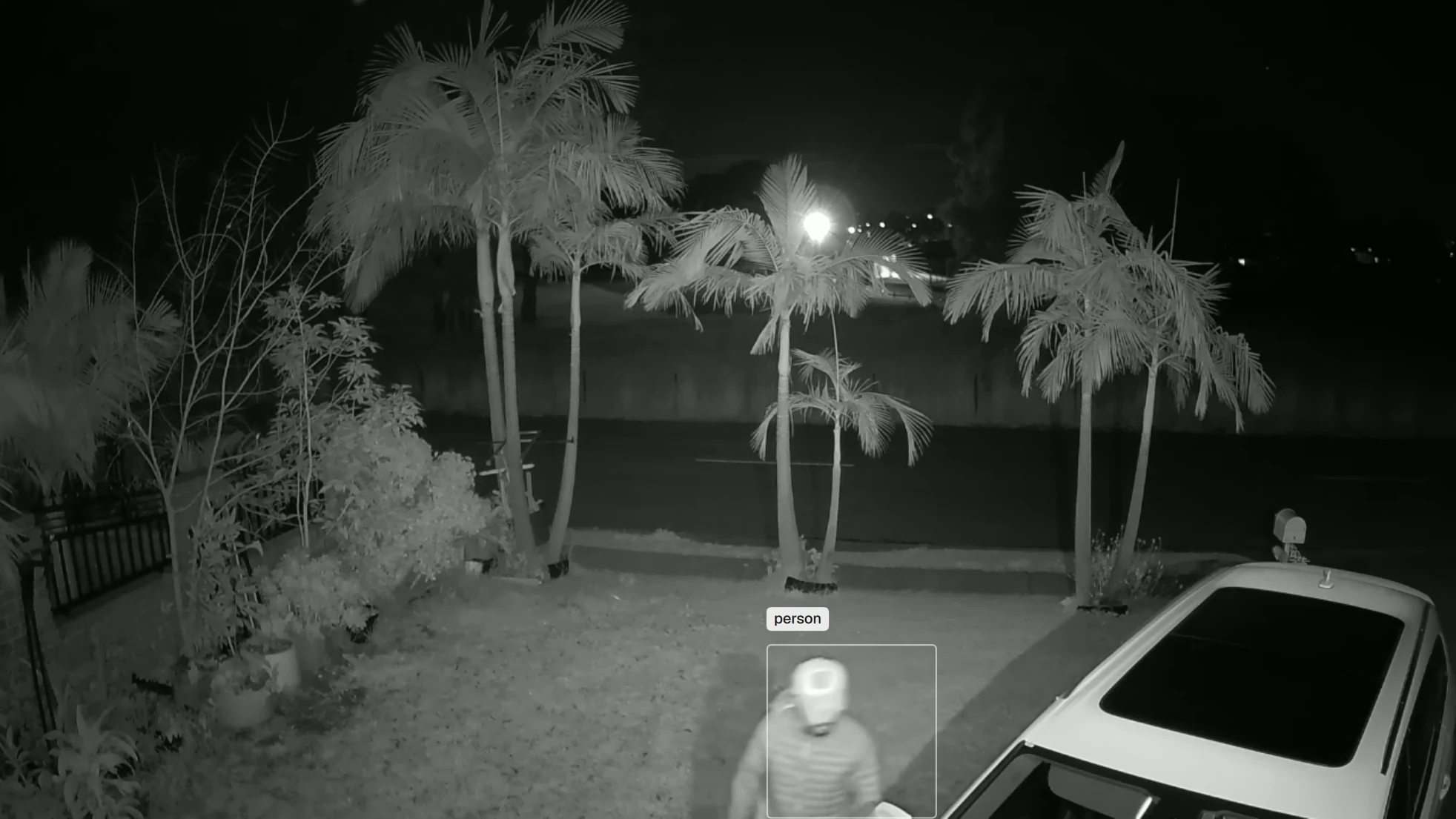
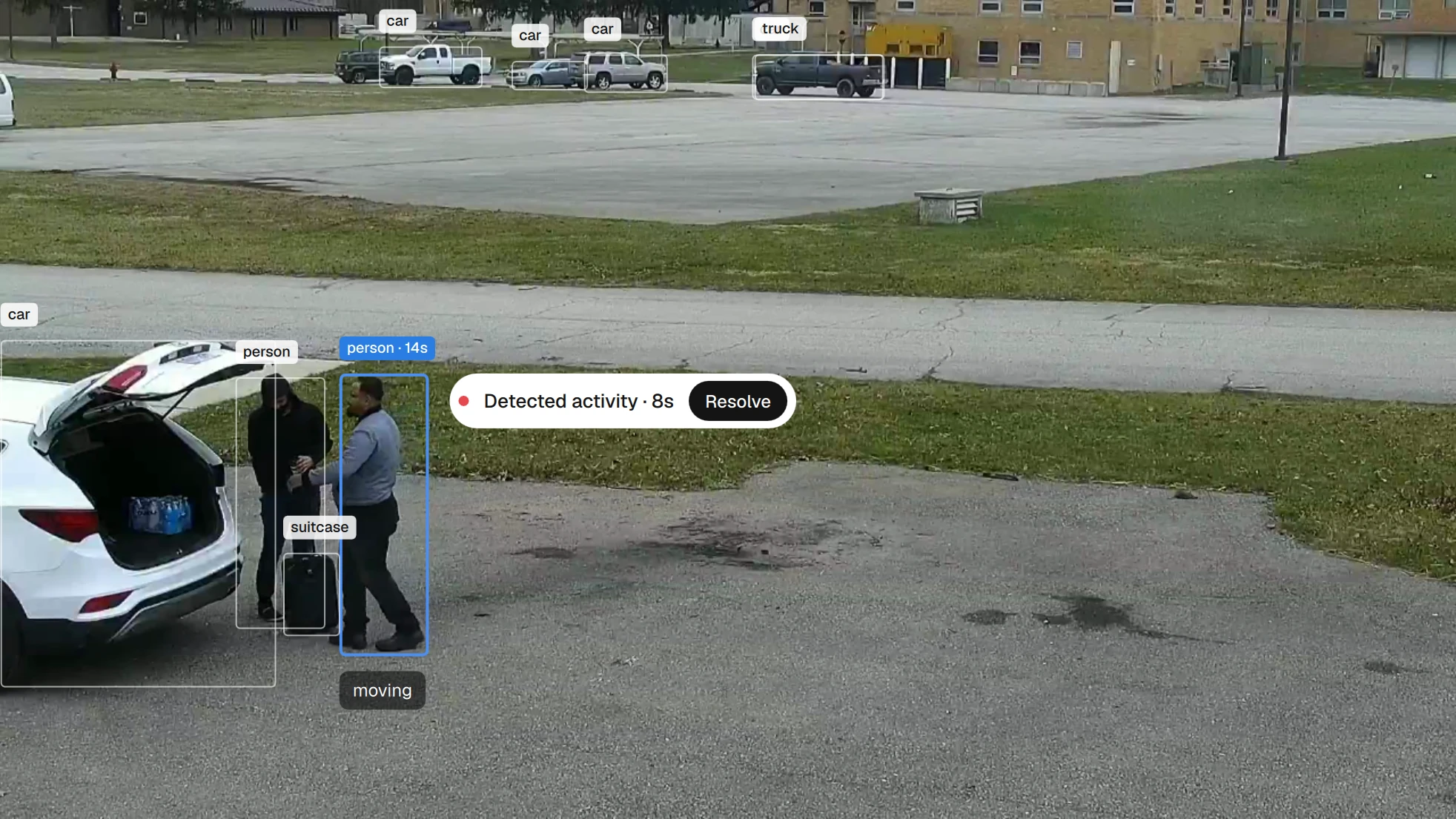
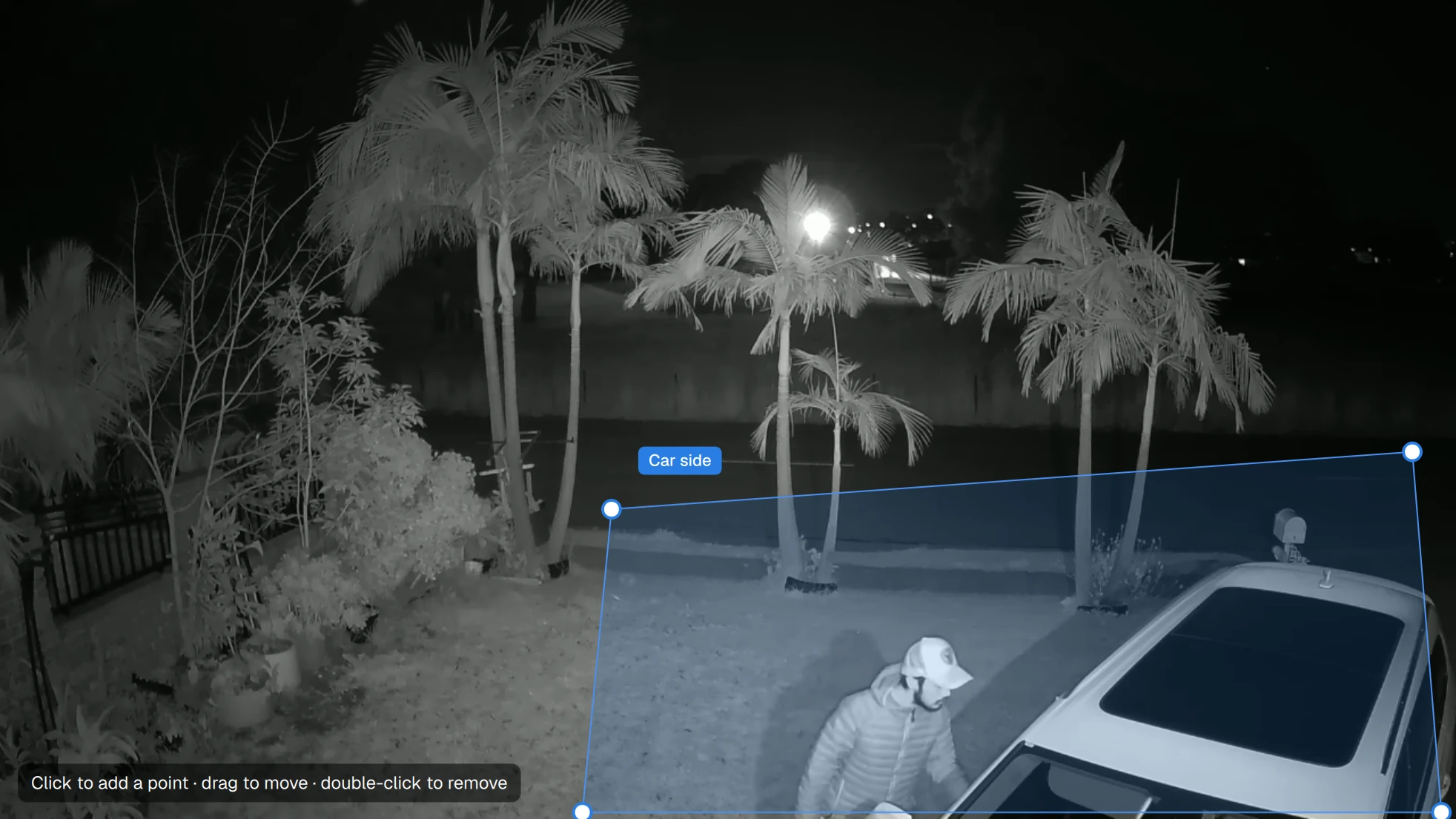
People and vehicles are tracked and grouped into visits, such as a person at a vehicle. When activity matters, Seer opens an incident and prepares a short clip to look at more closely.
Remember
Keep what matters, with the reason
Visits worth keeping become memories with the camera, time range and why they mattered. Routine sightings are counted rather than kept one by one, and memory carries over a restart.
Act
Bring you in with the evidence
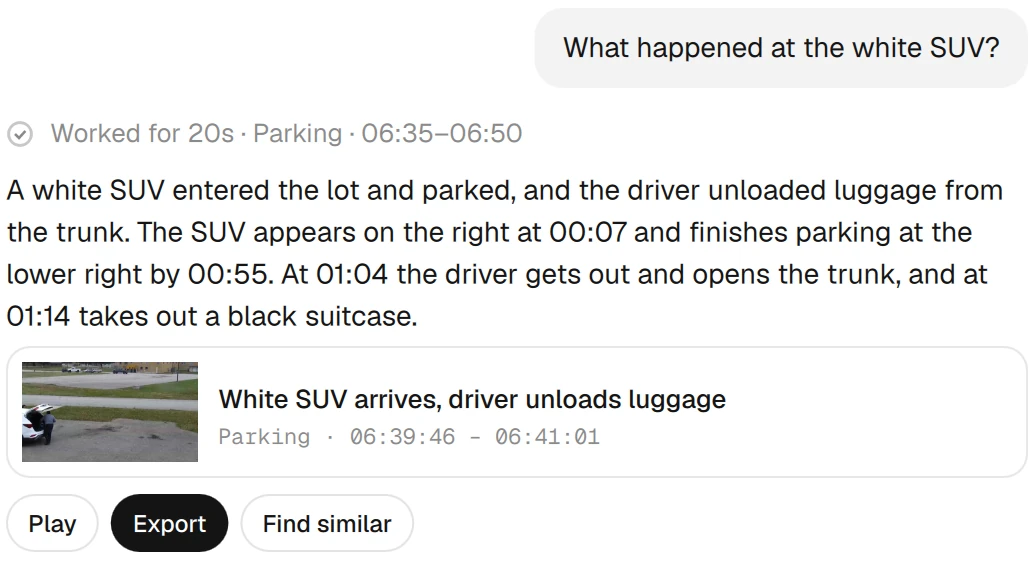
When something needs a person, Seer says why and proposes a next step. Ask what happened and the answer links the clip, ready to play or export. You make the call.
What Seer will not do
Seer helps a person look at the right moment. It does not identify people or decide for you.
No face recognition.
Seer detects and tracks people and vehicles. It does not try to identify who anyone is.
No following people across cameras.
Similar-incident search matches what happened, where and when. It does not re-identify a person from one camera to the next.
No verdicts.
What a model writes about a clip is stored as an unverified observation. A person watching the footage makes the call.
No silent deletion.
Deciding what to remember never deletes footage. Recordings are removed only by the retention you set.
For developers
Seer Agent is open source
A Python harness for building your own perception loop. A mission connects sources, observation tools, memory and permitted actions. Licensed under Apache-2.0.
Seer Agent on GitHubPriced for your site.
Let’s talk.
Tell us about your cameras and what you need to watch, and we will work out pricing with you.
Let’s talkCommon questions
Still have a question? Write to us. A person on the team will reply.
A desktop app that connects to your IP cameras, records on your computer and watches the feeds for you. It looks closely when something changes, keeps what matters and brings you the footage when a person should decide.
No. Seer works with cameras that provide an RTSP stream. It runs on a computer on the same network as the cameras.
Each camera is watched at a pace that fits what it sees. Movement raises its attention, and quiet lowers it again after a while. A quiet camera is still checked periodically rather than assumed empty, so a very brief moment between checks can still be missed.
Recordings stay on your computer by default. Footage goes to Seer Cloud only for cameras where you turn on cloud storage or hosted review.
Pricing depends on your site and cameras. Let’s talk.
The desktop app is not open source. Seer Agent, a Python perception harness, is open source under Apache-2.0 and available on GitHub.
Seer is a desktop app for macOS on Apple Silicon. The download page lists the current status for Windows. Enterprise installs can run on premises or in your own cloud.
Yes. Tell us about your cameras and what you need to watch for, and we will help you set up the first watch.
Put Seer on your cameras
Download the desktop app and connect a camera, or tell us about your site and we will help you set up the first watch.
Other platforms: Windows